The first step in preparing for a VCF 5.2 to 9.0 upgrade is to update your Depot configuration to use token based authentication instead of username & password. This was a change that was made recently to how customers authenticate to the VMware/Broadcom software depots.
The easiest way to do this is to run a Powershell script that is attached to the following KB https://knowledge.broadcom.com/external/article/389276
I am not going to repeat all the pre-reqs and steps from the KB here. The following steps assume you have retrieved your support entitlement token along with taking the necessary backups.
To run the script in interactive mode (with a menu) just run the following
.\VMwareDepotChange.ps1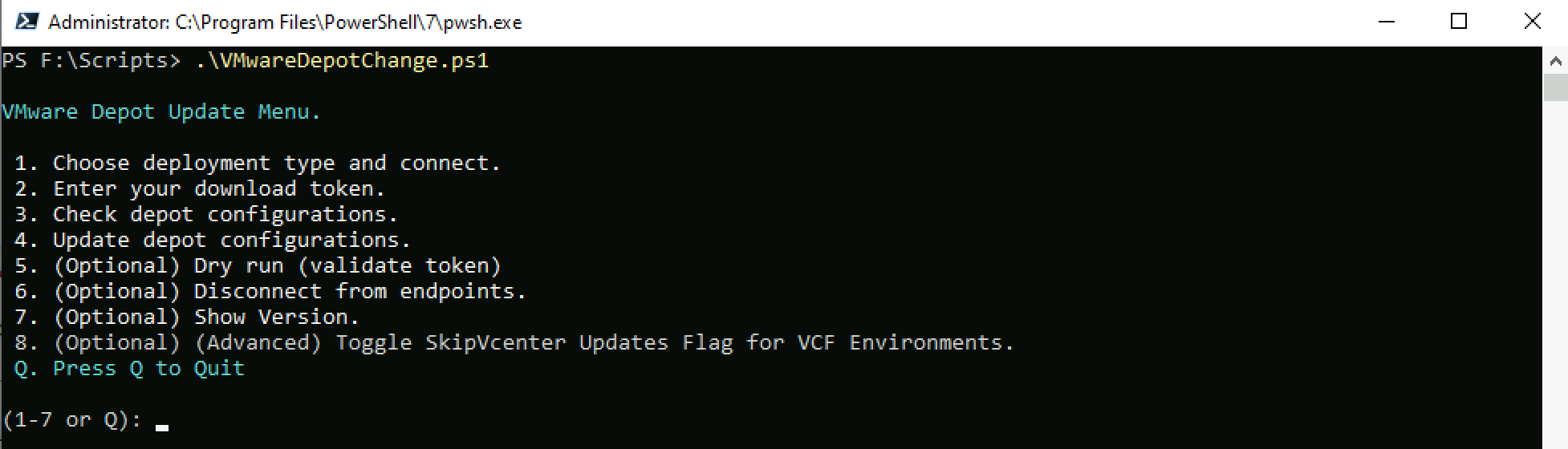
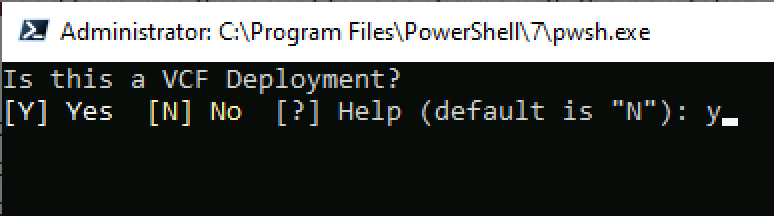
Run option 1 to set the deployment type and enter Y when prompted to confirm it is a VCF deployment
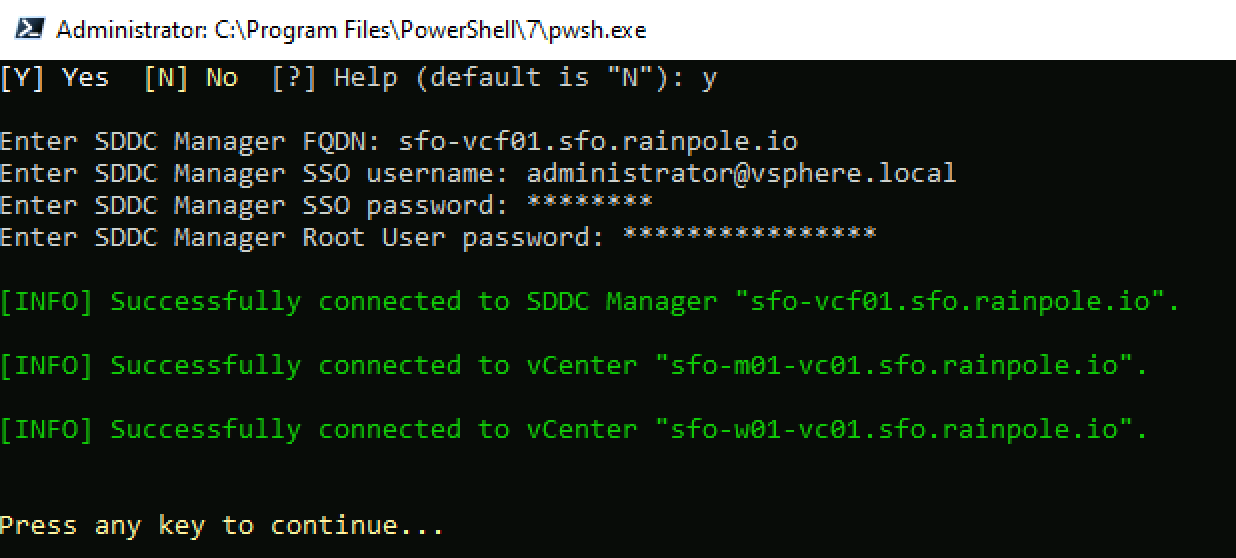
Enter the SDDC Manager details when prompted and hit enter to validate the credentials
Run option 2 to input your Broadcom download token

Run option 4 to Update your depot configuration to use the token
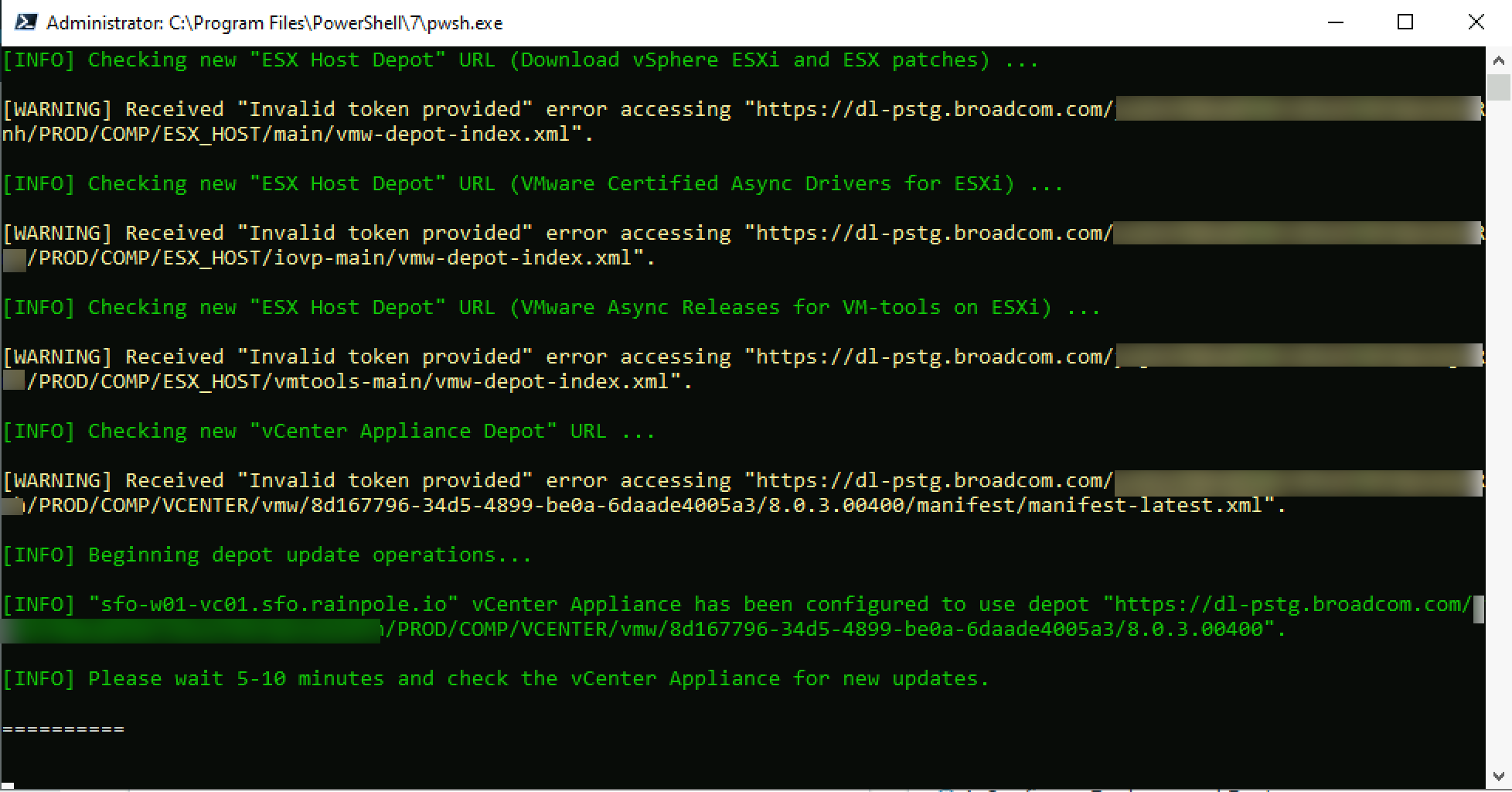
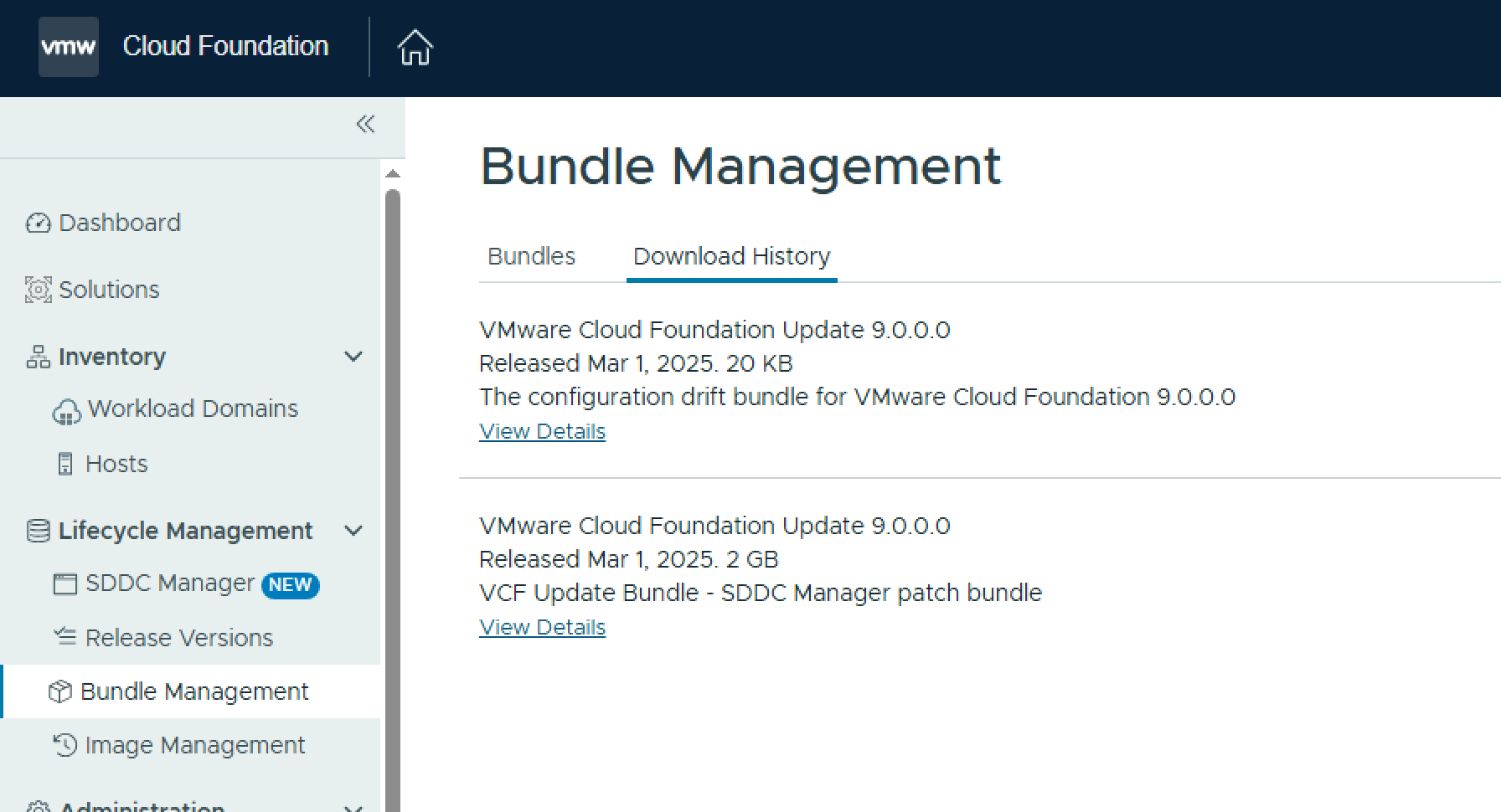
Once the depot URLs are updated with your token you should now be able to download the required SDDC Manager bundles.
 LifeOfBrianOC