Once you have download the required SDDC Manager bundles, navigate to Workload Domains > Management Workload Domain > Updates, and click Run Precheck and ensure all prechecks pass.
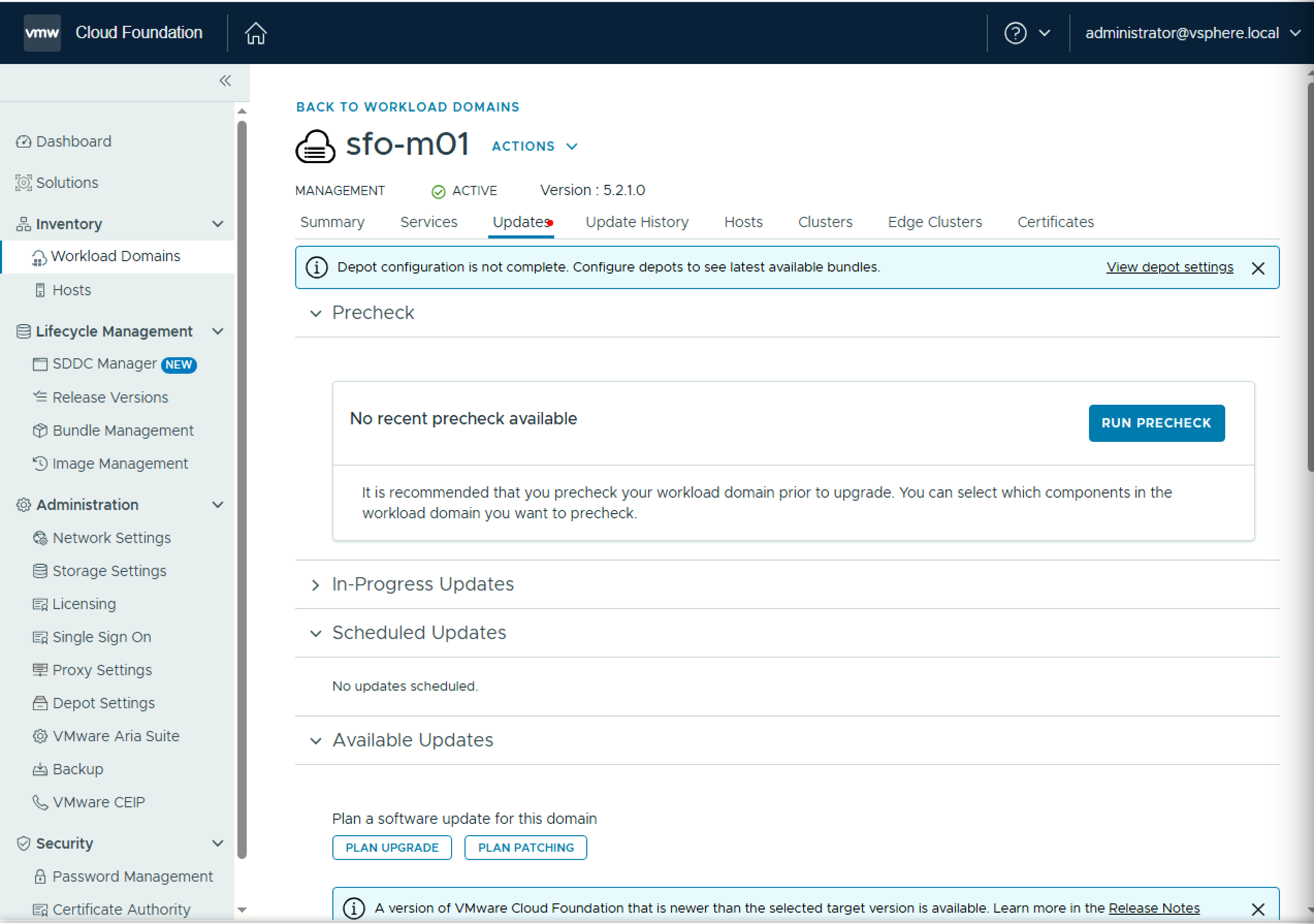
Under Target Version, select VMware Cloud Foundation 9.0.0.0, and click Next.

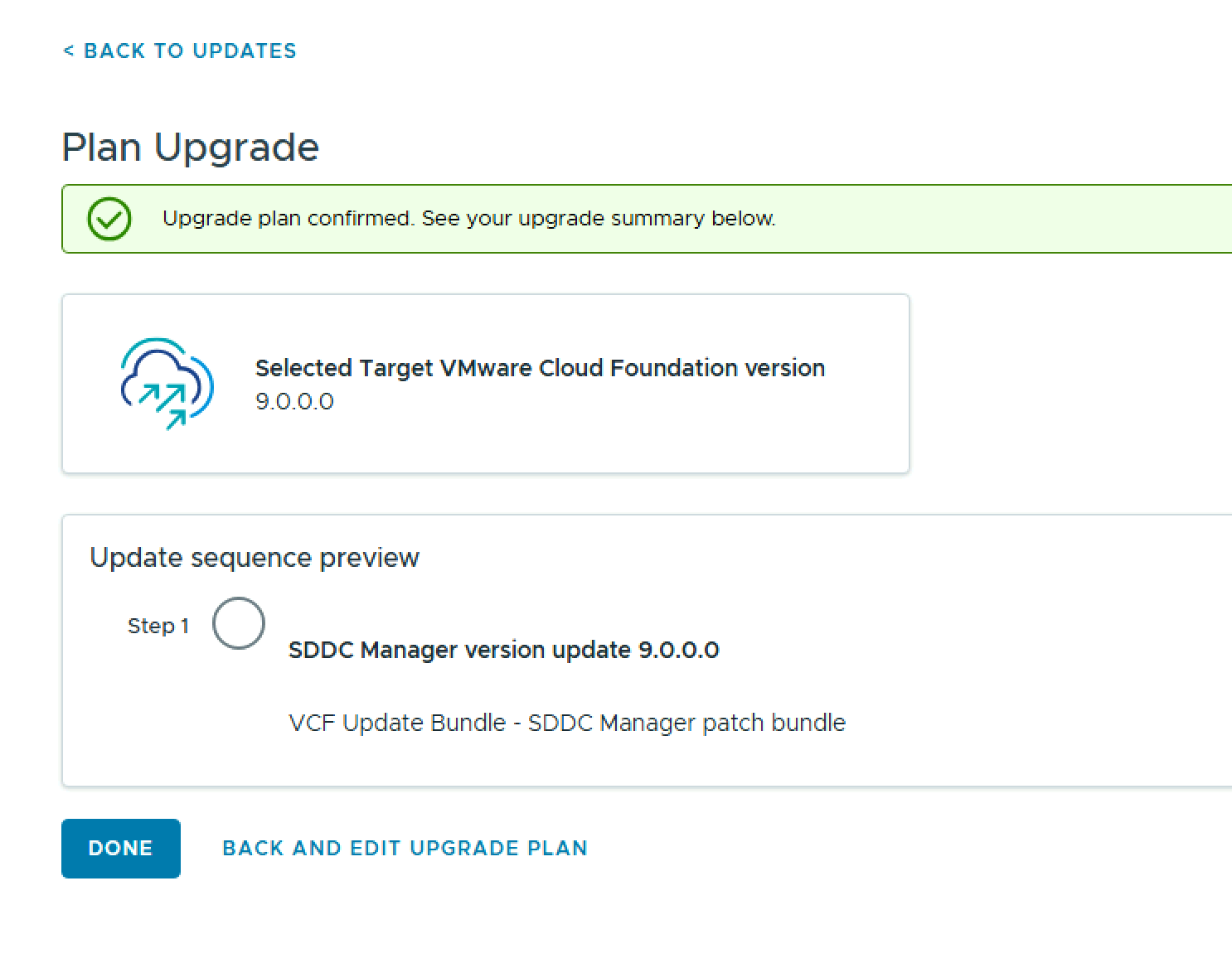
On the Change Summary screen, click Confirm, and then click Done.
To start the upgrade, click Update Now.
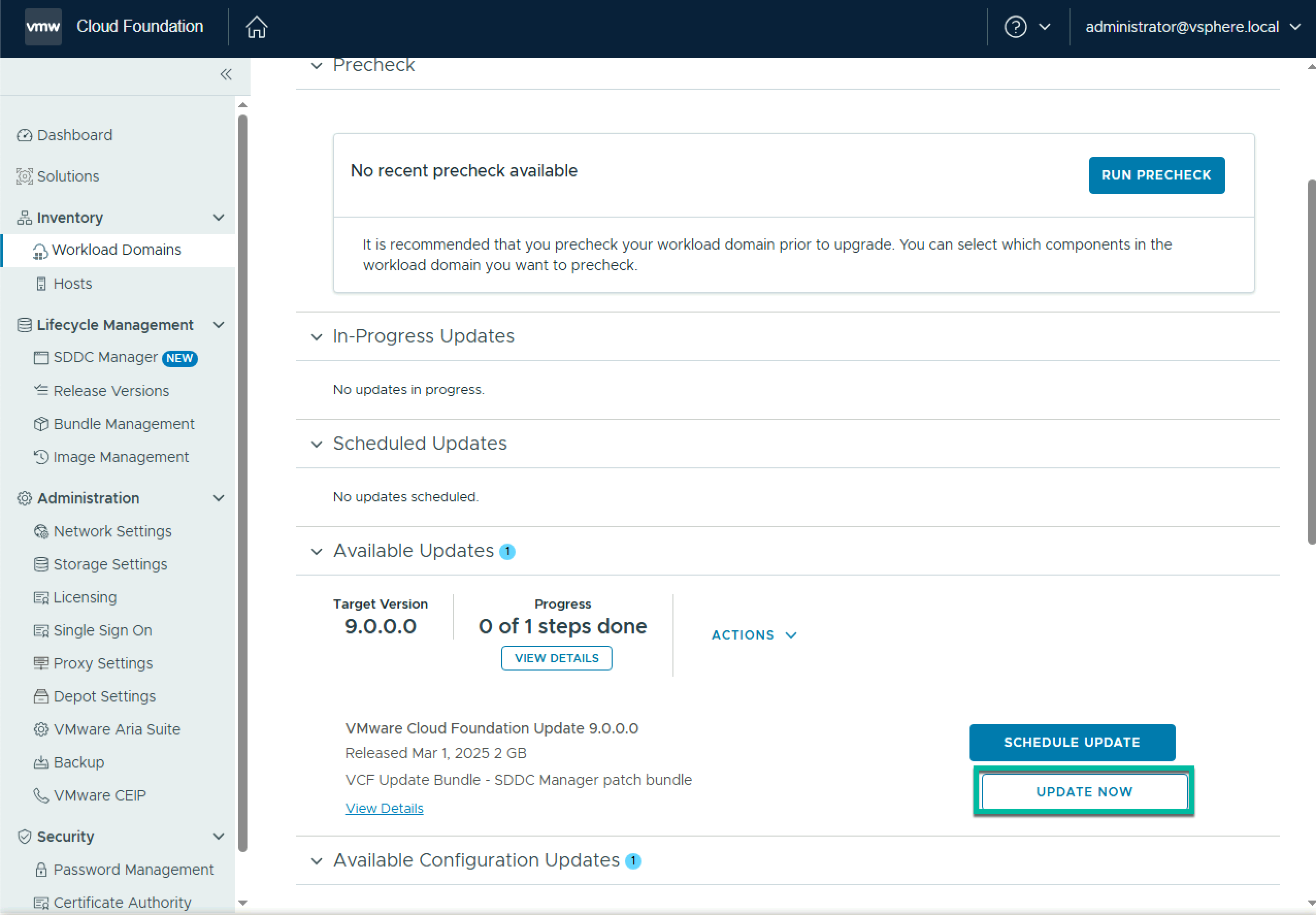
The upgrade of SDDC Manager will begin

Once it completes your SDDC Manager has been upgraded to 9.0

 LifeOfBrianOC