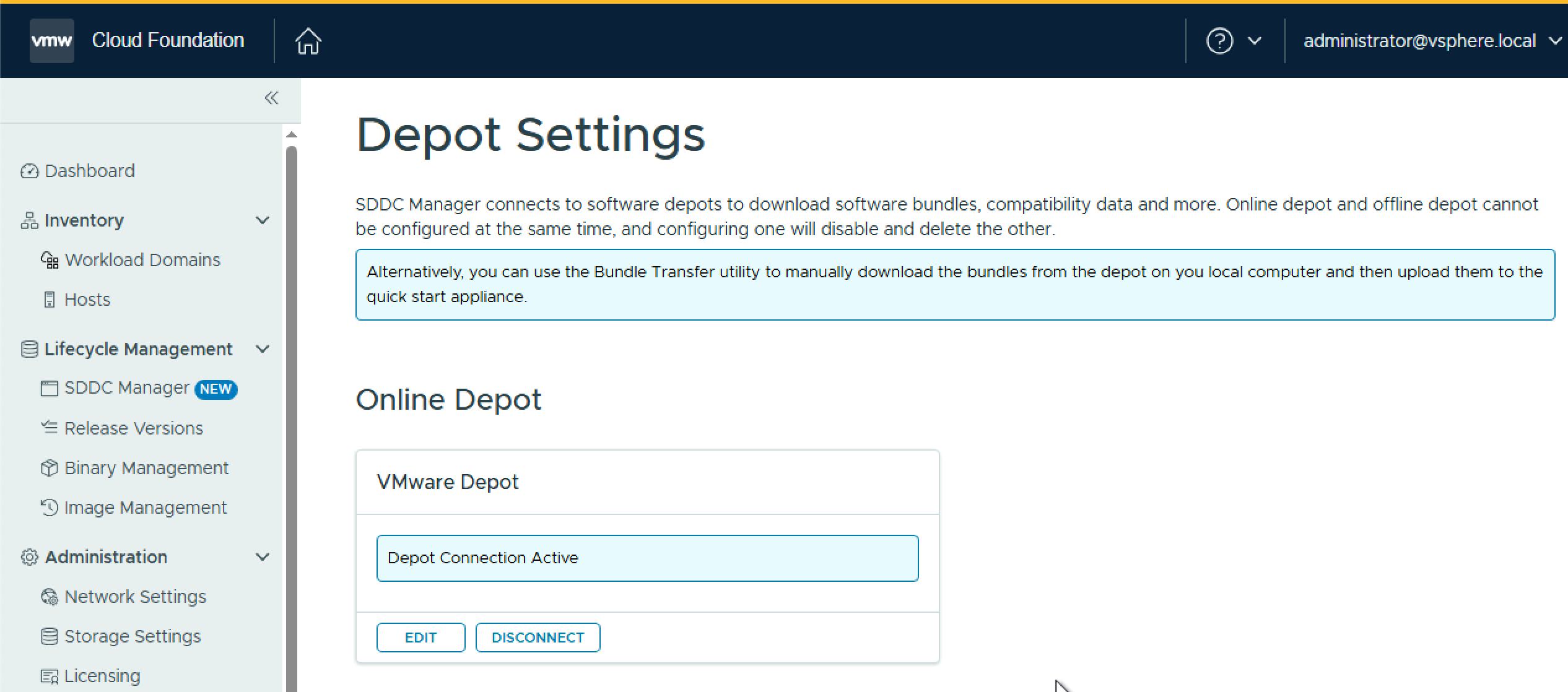
Once you have upgraded SDDC Manager to 9.0, you will notice the Binary Management screen looks a little different. To enable the depot to download the remaining bundles you need, you must update the download token (again!). To do this, navigate to Depot Settings and select your depot type. In this post I will use the Online Depot. I may create another variant with an offline depot in future.
Under Online Depot, click Edit. Paste your Broadcom support download token and click Authenticate.

You shound then see, Depot Connection Active.
Next, navigate to Binary Management > Upgrade Binaries and select the binaries you need to deploy. In my case I am selecting everything except SDDC Manager.

As I do not have VCF Operations or VCF Automation in my VCF 5.2 environment, and I need to install them as part of VCF 9.0, navigate to Install Binaries and select each one and click Download.

Wait for the downloads to complete before moving on to the next steps.
 LifeOfBrianOC