Once your upgrade binaries are downloaded, the next step is to upgrade NSX. Once again, navigate to Workload Domains > Management Workload Domain > Updates, and click Run Precheck and ensure all prechecks pass.
Once the pre-check passes, click Configure Update.

On the Introduction page, click Next.

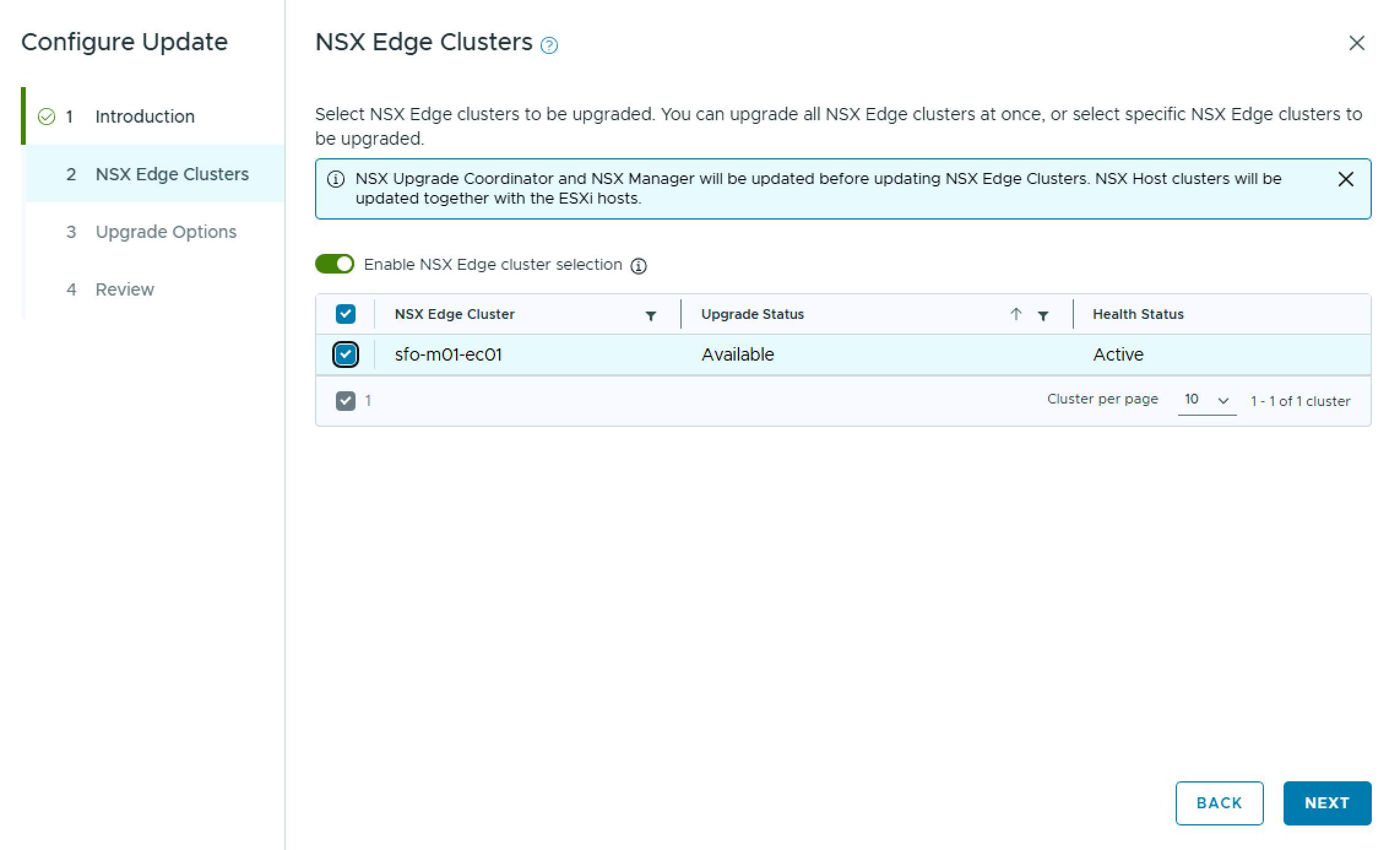
On the NSX Edge Clusters pane, you can choose to upgrade all NSX Edge Clusters, or select specific NSX Edge Clusters to upgrade. In my case, I only have one NSX Edge Cluster. Click Next.
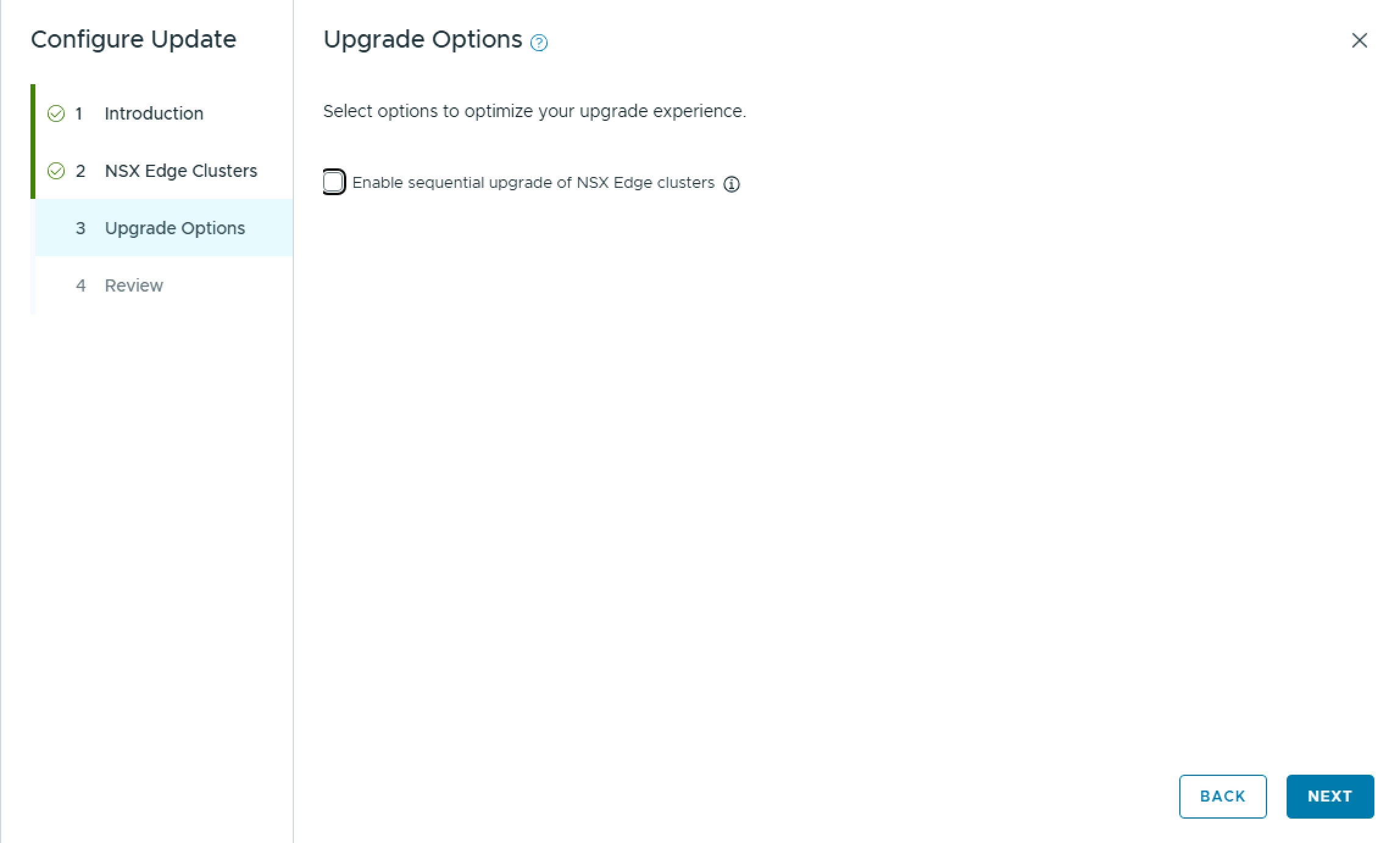
On the Upgrade Options pane, you have the option to Enable sequential upgrade of NSX Edge clusters. Click Next.
On the Review pane, review the choices made and click Run Precheck.

While it is called a Precheck, it will copy the upgrade bundle over to NSX Manager. During this copy, the progress will sit at 66% completed for a while, so dont panic.

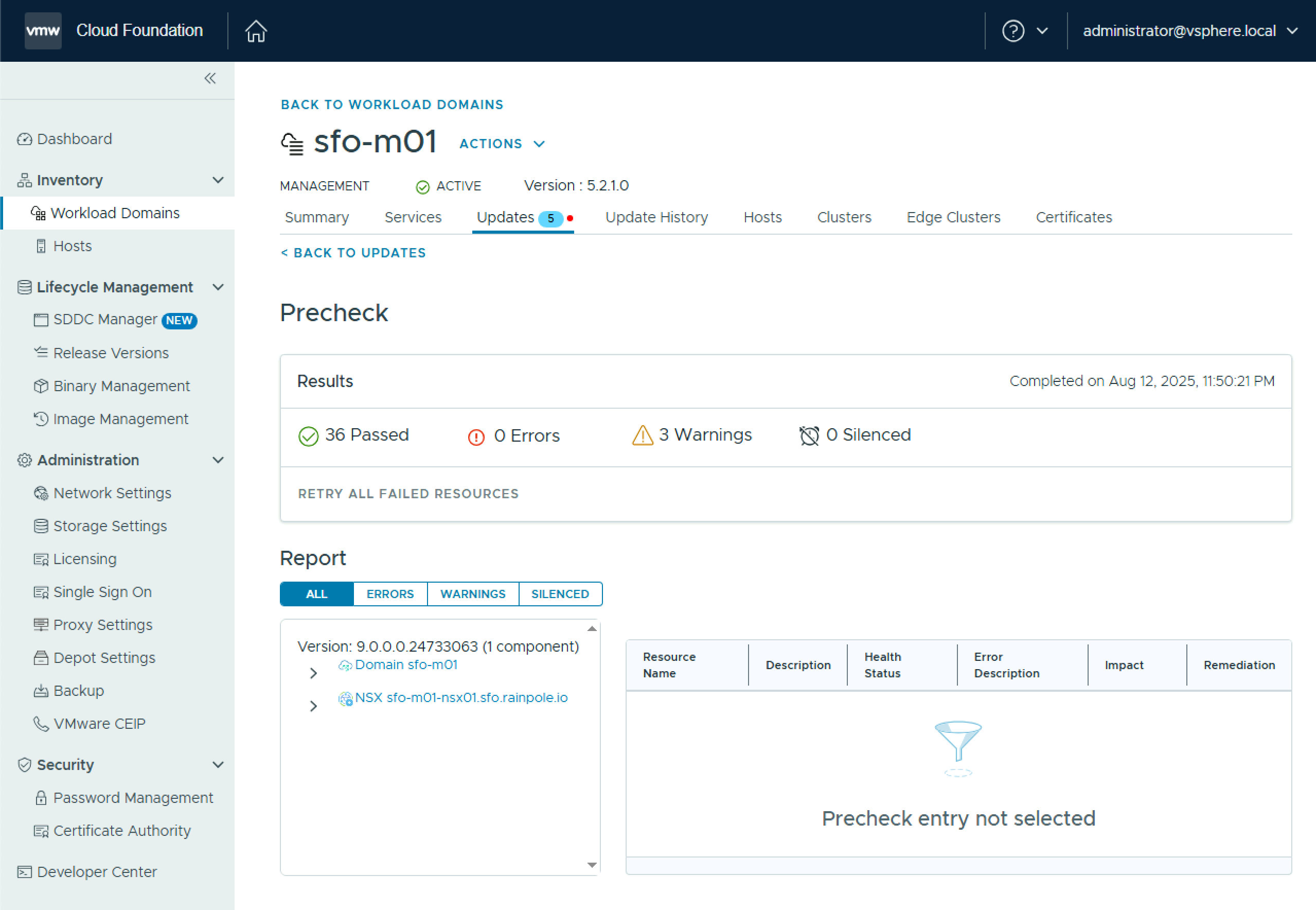
Once it completes, review any errors & warnings before proceeding, and click Back to Updates.
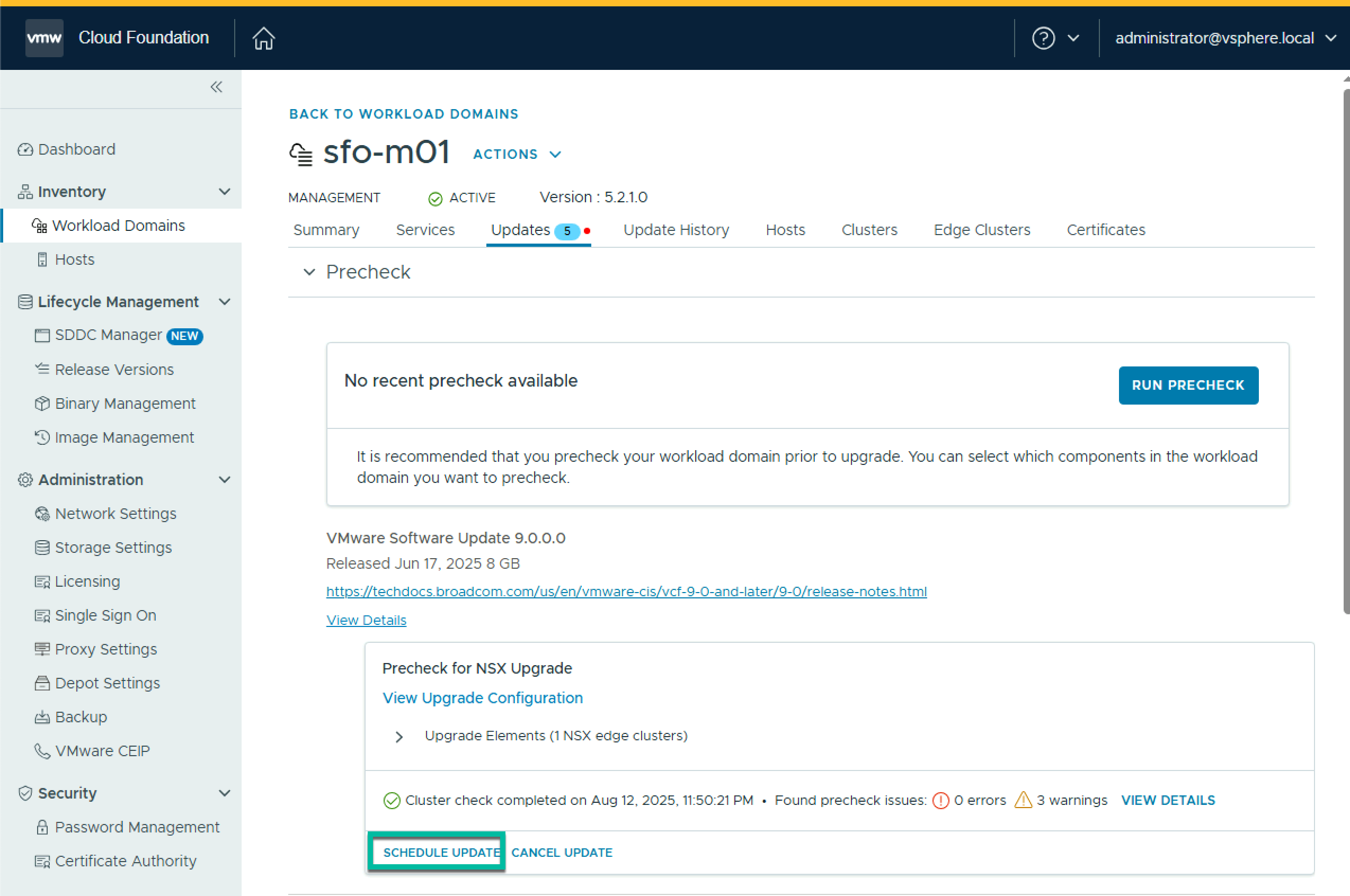
Click Schedule Update
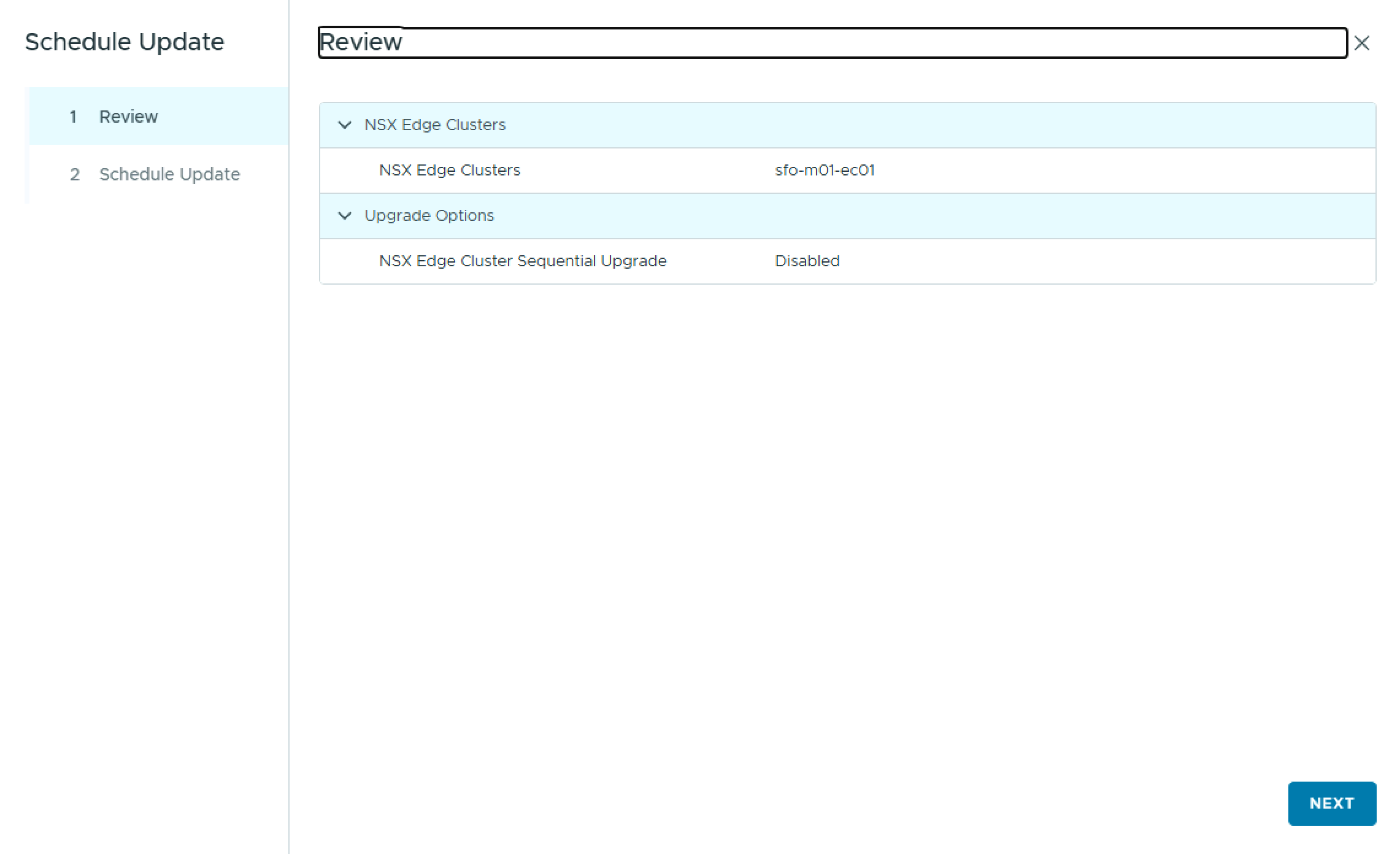
On the Review pane, click Next.
On the Schedule Update pane, select either Upgrade Now, or Schedule Update to choose a future start date & time, and check the box “I have reviewed the precheck report and have verified that the update is safe to apply“, and click Finish.
To monitor the status, click View Status.


Once the NSX upgrade completes, you can move on with the next step of upgrading vCenter.

 LifeOfBrianOC