VCF 9.0 is deployed using the new VCF Installer (replacement for the old Cloud Builder appliance). During a VCF 9.0 bringup, you have the option to let the installer autogenerate all passwords to cut down on inputs. At the end of the installer workflow, there is a button you can click to show all passwords so you can make note of them.
But how do you retrieve them if you closed the installer wizard?
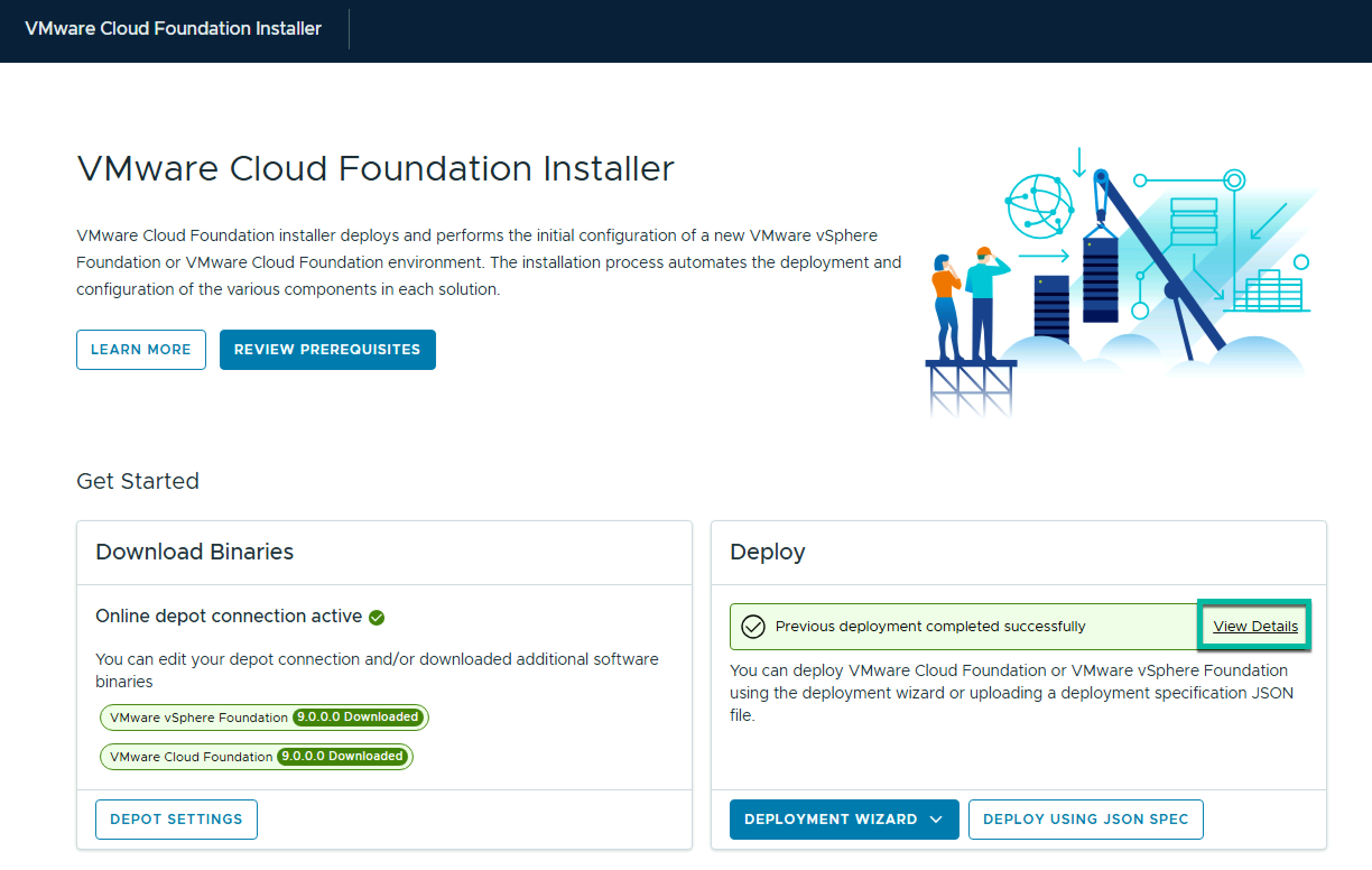
The solution is pretty simple, just navigate to https://vcf-installer-fqdn/vcf-installer-ui/portal/getting-started and under Deploy, click View Details
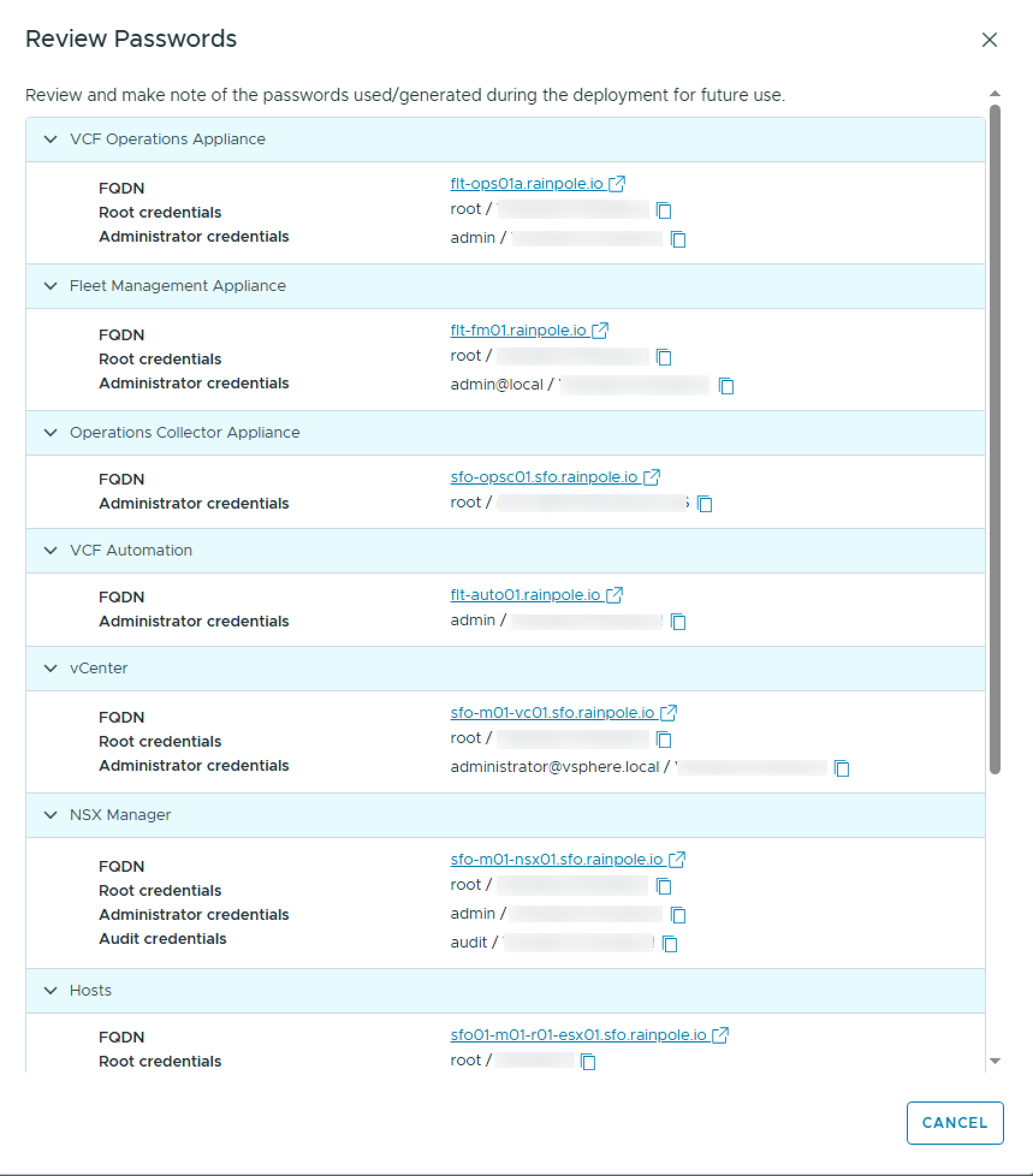
On the successful deployment screen, click Review Passwords

This will display all passwords used by the VCF Installer for your bringup
 LifeOfBrianOC