In VCF 9.1 Log Management is fully integrated into VCF Operations and has its own dedicated section in the VCF Operations UI. In older releases, VCF Operations for logs was a standalone product with its own dedicated UI. I got a question on how to give users access to log management in VCF 9.1 without giving access to other areas of VCF Operations.
This can be easily achieved by creating a custom VCF Operations role.
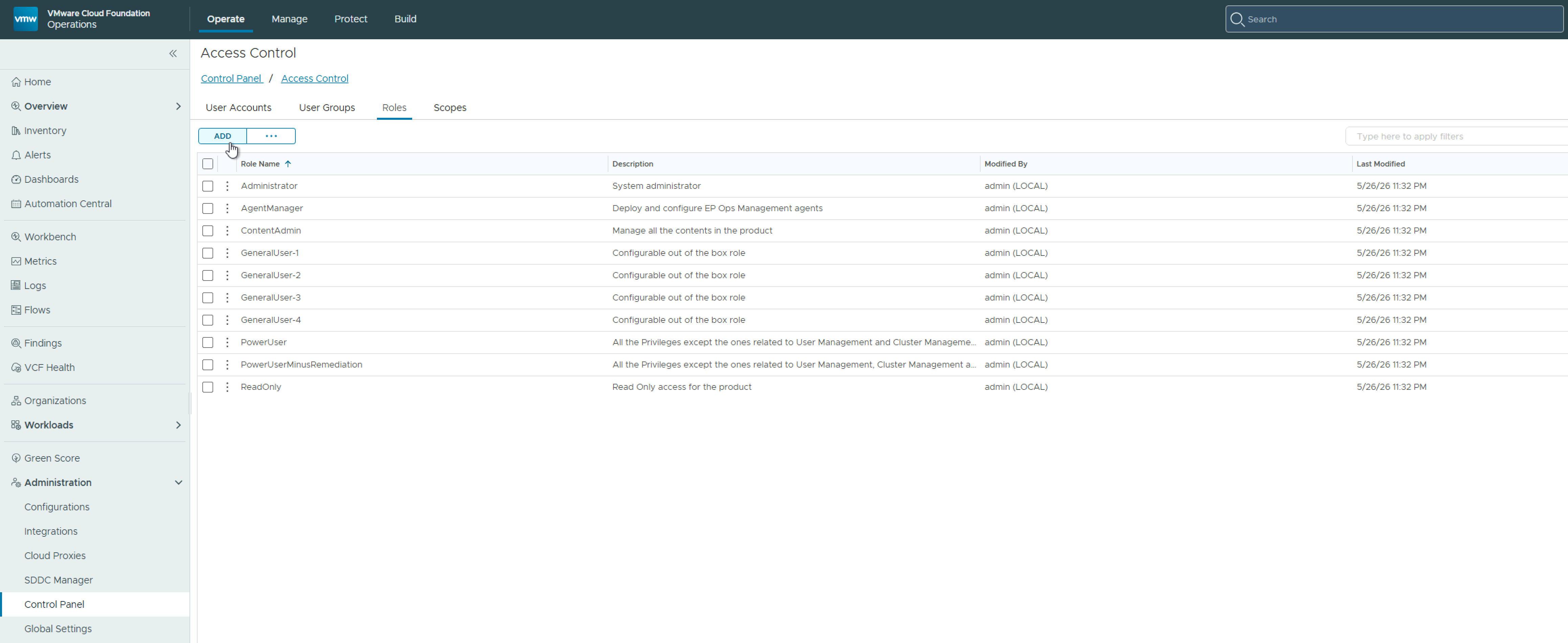
In VCF Operations, navigate to Administration > Control Panel > Access Control > Roles, and click Add
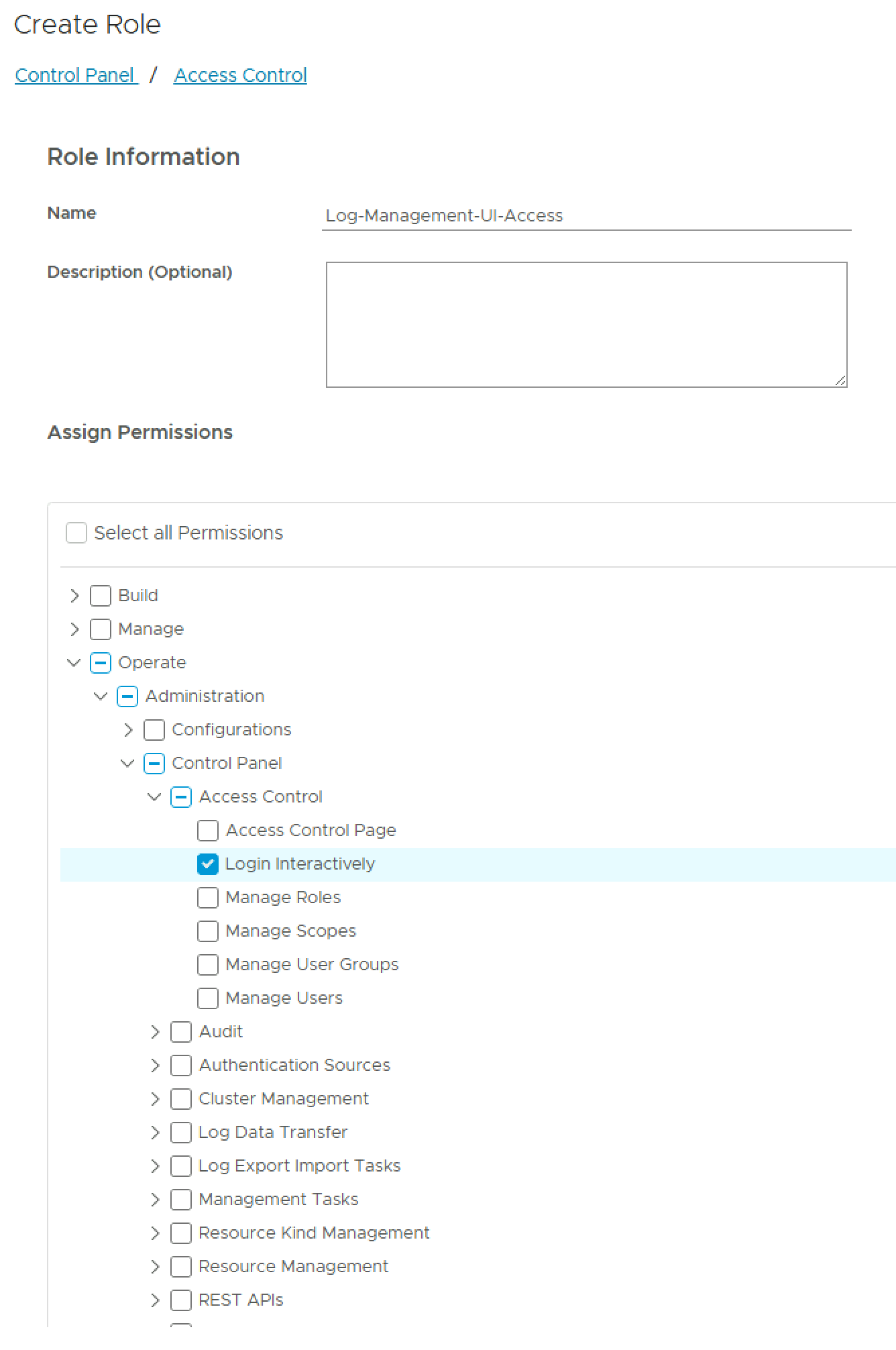
Give the role a name and under the Assign Permissions, expand Operate > Administration > Control Panel > Access Control, and select Login Interactively.
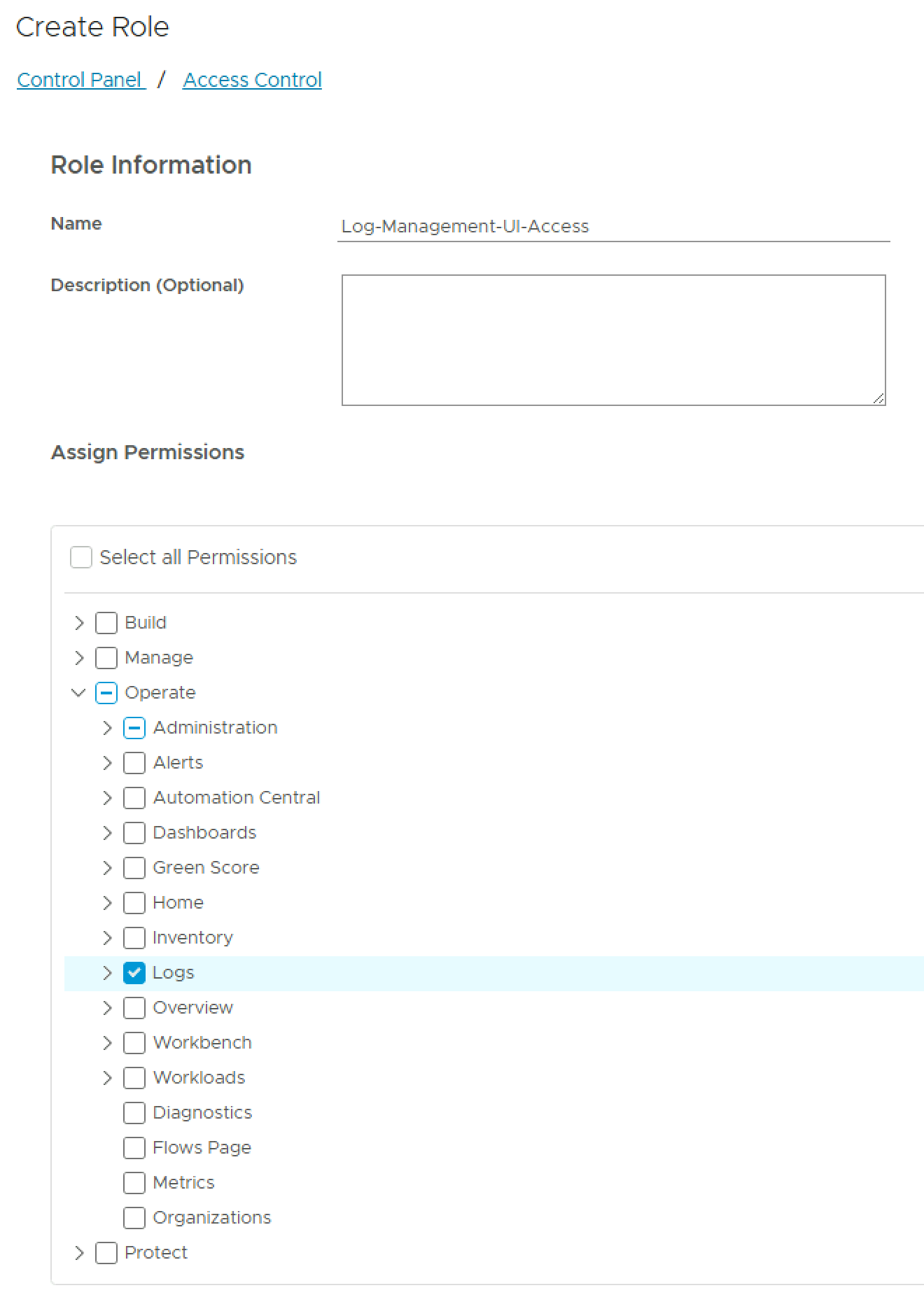
Then expand Operate and select Logs, and save the role.
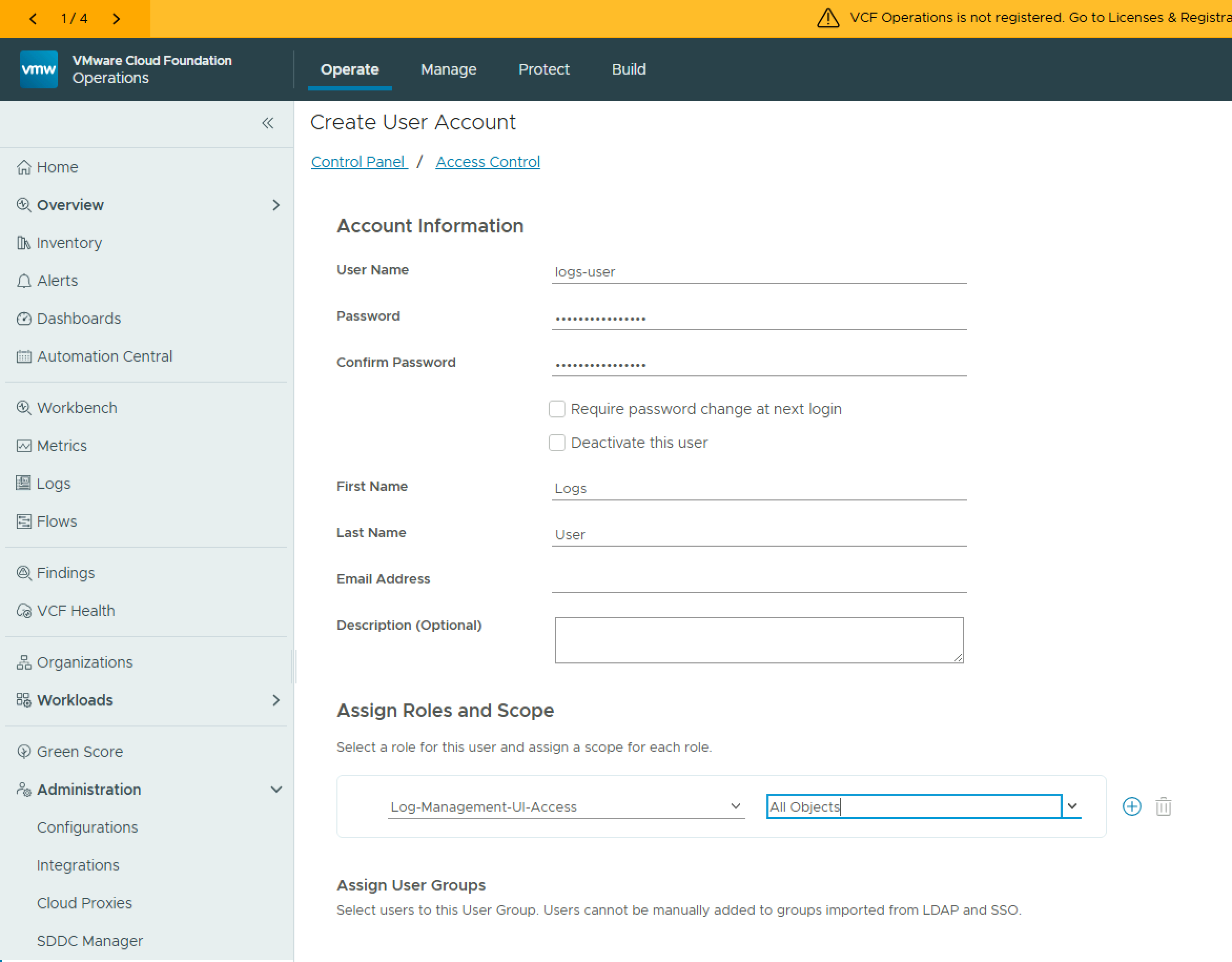
Now assign the role to a user/group.
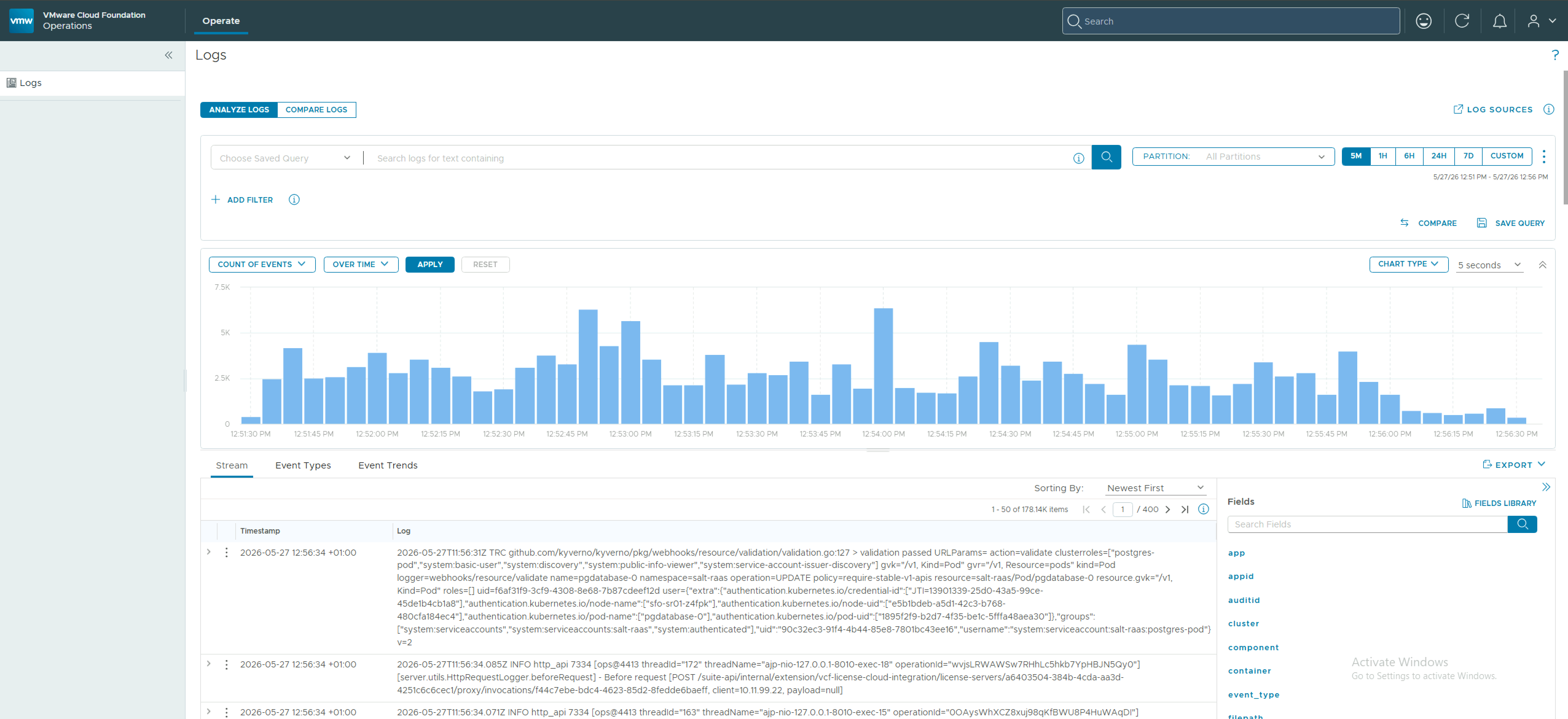
Now when the user logs into VCF Operations they will just have access to the Log Management section of the UI.
 LifeOfBrianOC
Leave a comment